
VIDEO: How to Connect Your Autonomous Lawn Mower to the RC Mowers App
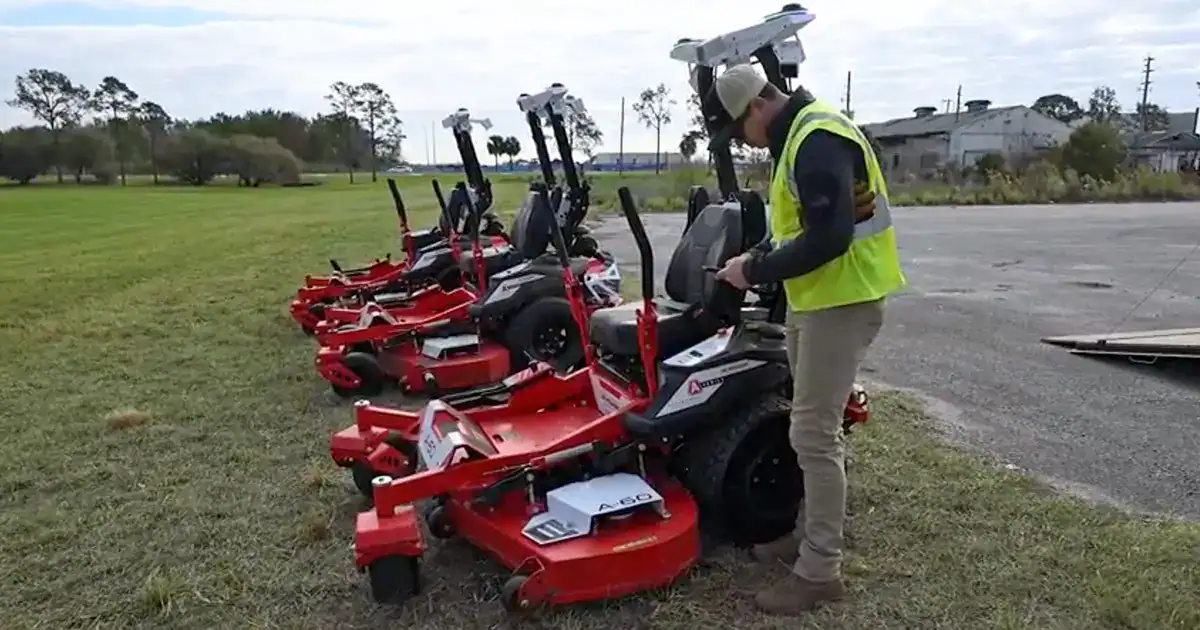
Pairing your RC Mowers AMR with the mobile app is a critical first step for gaining full visibility, control and access to your autonomous mowing operations. In this video, we walk through how to securely connect your autonomous mower to the RC Mowers mobile interface for efficient and confident operation.
Connecting your AMR to the mobile app gives you visibility, control, and access to your mowing plans. Pairing is simple and only takes a few steps.
Start by turning the ignition key to the ON position. The computer will begin booting. This process takes about one to two minutes. Once complete, the LCD screen will display a pairing prompt along with the AMR PIN number.
Open the RC Mowers mobile app and navigate to the Connect screen. Tap ‘Pair’ to begin.
The mower LCD screen will display ‘Pair in App’ along with a unique PIN number. Enter that PIN into the app to complete the pairing process.
Once paired, the mower will appear available in your app. If another operator is already paired, the mower LCD screen will display plan options instead of a pairing prompt.
With your smartphone successfully paired to one or multiple mowers, you’re ready to create plans, deploy mowers, and complete other local work with confidence. A paired mower gives you full control and independence at your fingertips. Thanks for choosing RC Mowers, where we are redefining the business of mowing.
