
VIDEO: RC Mowers AMR Quick Troubleshooting Guide
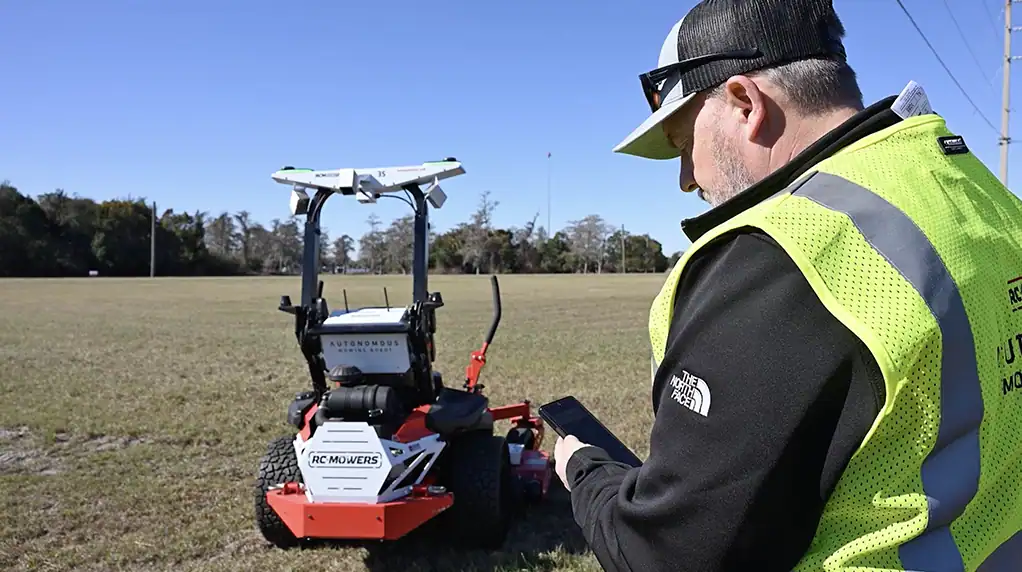
Even reliable equipment can occasionally need troubleshooting. In this video, we walk through quick troubleshooting steps for common RC Mowers AMR issues, helping operators identify problems, follow system instructions, and get back to work safely.
Even the best running equipment needs occasional troubleshooting. A quick, basic routine solves most issues in seconds. Here’s the rundown every AMR operator should know.
If the mower doesn’t start, begin with some simple checks. First, ensure you have appropriate fuel levels. And second, make sure the battery has a solid charge.
If the mower stops during operation, start by looking at the LCD screen on the mower or checking the app. Both will tell you exactly what the issue is. Follow the onscreen message first—it’s the fastest way to see what the AMR detected and how to clear it.
If the mower tells you to perform a full restart, power the mower down, wait for the top lights to fully turn off, then start it back up. This helps refresh the system and restore normal operation.
If you observe anything unexpected, stop and evaluate the machine. If it requires more attention, observe the LCD screen and contact support before resuming operation.
Most interruptions are easy to correct. A quick check, a clean restart, and you’re back to work. When something doesn’t look right, pause, and call support. Thanks for choosing RC Mowers, where we’re redefining the business of mowing.
