
VIDEO: How to Set Up Mow Plans for the RC Mowers AMR
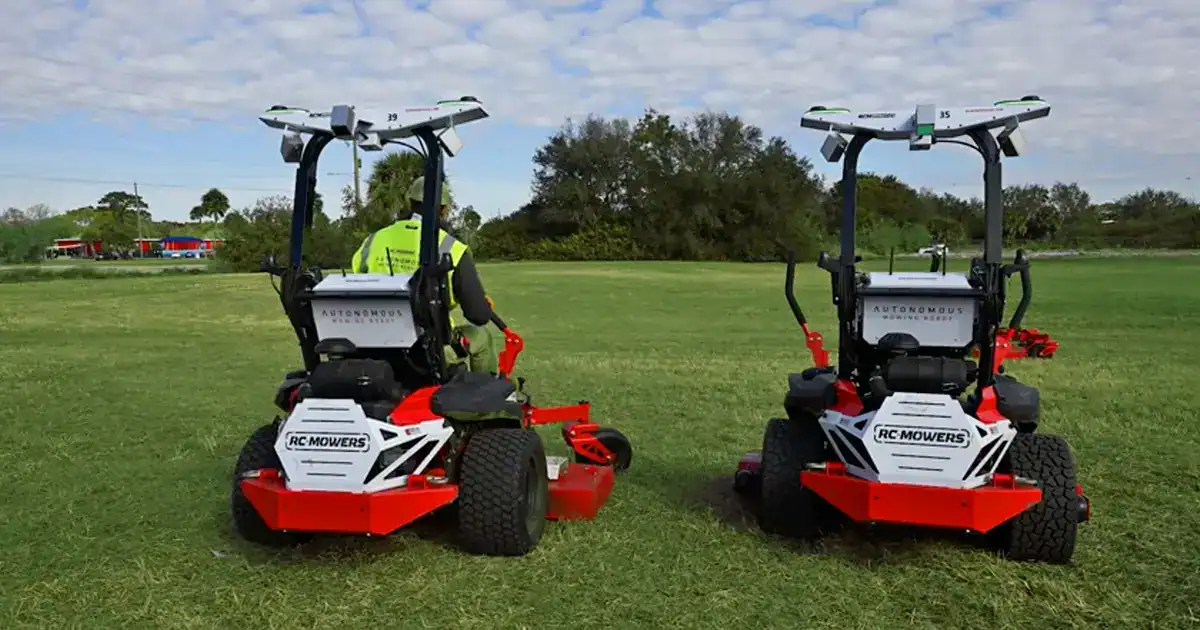
Proper mow plan setup is essential for safe, efficient and consistent autonomous mowing performance. In this video, we walk through how to configure mow plans for the RC Mowers AMR autonomous mowing system.
Autonomous mowing starts with a solid plan. Recording accurate boundaries ensures smooth, consistent performance every time the AMR mows autonomously.
Before recording a plan, walk the area and remove debris. Familiarize yourself with the obstacles and surroundings throughout the autonomous areas. Take a mental note of all permanent objects that are not intended to be mowed over.
With the mower paired to your smartphone, select ‘New Plan’ from the mower LCD screen. When prompted, drive the mower to your starting point and press record on the LCD screen.
Manually drive or mow the perimeter of the mowing area. The AMR will record your driving path as the boundary. For optimal performance, drive or mow plan boundaries should be 8 to 10 feet away from trees, signs, fences, parked vehicles, or similar obstacles. This spacing helps reduce unnecessary object detection stops.
If there are permanent obstacles or landscape features inside your mowing area — such as flower beds or drainage grates — add these areas as Keep-Out Zones. Follow the LCD screen prompt to drive and record the perimeter of each Keep Out Zone, keeping distance of 8 to 10 feet from the obstacle, then press done.
Keep-Out Zones ensure the AMR avoids obstacles while continuing to mow the rest of the plan. Once the perimeter and any Keep-Out Zones are recorded, select Save Plan. The mowing area is now stored and ready for autonomous operation.
Accurate plans are the foundation of reliable autonomous mowing. Define clean boundaries, allow proper clearance around obstacles, and use Keep-Out Zones where needed. Follow these steps every time to get consistent results from your AMR. Thanks for choosing RC Mowers, where we’re redefining the business of mowing.
